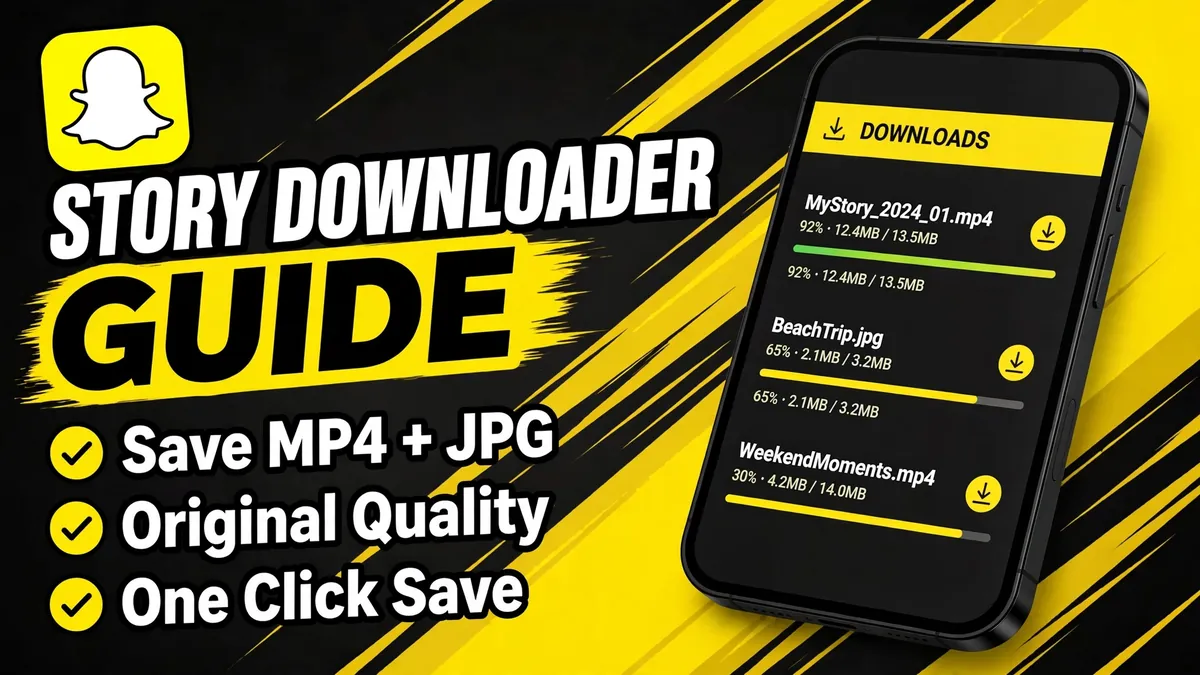
A Snapchat story downloader saves public Snapchat stories to your device as JPG photos or MP4 videos, in their original quality and with no watermark. Unlike watching in the app, which notifies the poster of screenshots, downloading through a web tool is quiet and anonymous. This guide explains what a story downloader does, how to use one, what quality to expect and how to stay on the right side of responsible use.
What a Snapchat Story Downloader Does
A story downloader is the saving companion to a story viewer. While the viewer shows you public stories in your browser, the downloader fetches the same public media files and hands them to you as downloads. Photos arrive as JPG files, videos as MP4 files, both in the quality Snapchat published them. There is no account needed, no app to install and no watermark stamped on the files.
On iSnapStoryView, the story downloader is built into the same workflow as the viewer: look up any public username, open their stories, and save individual snaps or entire stories with one tap.
How to Download a Snapchat Story
- Open the story downloader in your browser.
- Enter the public username and load their profile.
- Pick a story, highlight or Spotlight clip from the results.
- Tap the download button on any individual snap, or use download-all to save the whole story at once.
- Find the file in your Downloads folder (phone) or downloads bar (desktop).
The process is anonymous: like viewing, downloading goes through the tool's server, so your name never appears in anyone's viewer list. For the detailed walkthrough, see how to download Snapchat stories.
Formats and Quality: What You Get
| Content type | Download format | Quality |
|---|---|---|
| Story photos | JPG | Original, as posted |
| Story videos | MP4 | Original, as posted |
| Spotlight clips | MP4 | Original, as posted |
| Highlights | JPG or MP4 | Original, as posted |
Files are delivered exactly as Snapchat serves them publicly, which means no recompression and no watermark. Quality ultimately depends on what the creator uploaded: a crisp photo saves crisp, a blurry one saves blurry. Our formats and quality guide digs into why quality varies and what to expect.
Downloader vs Viewer vs Screen Recording
Three ways to keep a story, compared honestly:
- Web downloader: original quality, no watermark, anonymous, no screenshot notification. Limited to public content.
- Built-in viewer only: great for watching, but nothing is saved once the story expires.
- Screen recording in the app: works on anything you can see, but Snapchat notifies the poster of screenshots and recordings, quality drops, and your name is in the viewer list.
For saving public content quietly and in full quality, the downloader wins on every axis that matters.
Use Downloads Responsibly
A good rule of thumb: if you would not want your own story saved and redistributed without asking, extend the same courtesy. Tools are neutral; how you use them is what counts.
When a Story Will Not Download
If the download button does nothing or the story list is empty, the cause is almost always one of these: the account is private, the story already expired (24-hour lifetime), or the username was misspelled. Public-only is a hard technical limit, not a paywall. Our not working guide walks through every fix step by step.
Frequently Asked Questions
Is the Snapchat story downloader free?
Yes. iSnapStoryView's downloader is completely free with no limits on the number of stories you can save. You never need an account or payment. Be wary of sites that charge for basic downloads of public content, which costs nothing to serve.
What format do downloaded stories save as?
Photos save as JPG and videos save as MP4, in the original quality Snapchat published them. There is no watermark added and no recompression, so what you download is exactly what was posted publicly. These are the same formats Snapchat uses to serve the content.
Does the story owner know I downloaded their story?
No. Downloads go through the viewer tool's server, just like anonymous viewing, so your identity is never involved. The owner receives no notification and your name does not appear in their viewer list. Your visit is indistinguishable from ordinary anonymous web traffic.
Can I download stories from private accounts?
No. The downloader only works with public stories, which are published on the open web. Private and friends-only content cannot be fetched by any tool. Treat any site promising private downloads as a scam and leave immediately. There are no exceptions to this rule.
Is it legal to download someone's Snapchat story?
Downloading a public story for personal viewing is generally acceptable, but reposting or redistributing someone else's content without permission can infringe copyright. Keep downloads personal and ask creators before sharing their work anywhere. When in doubt, keep the file to yourself and enjoy it privately.
Try It Now: No Account Needed
Open the free anonymous viewer and look up any public Snapchat profile in seconds.